How to add a color layer in Photoshop. This is a free beginner tutorial showing how to add a colour layer in Photoshop. Photoshop is the grandaddy of most of the computer software that we use today. It is a very flexible tool that can be used for all sorts of tasks - including animation.

Showing posts with label Tutorials. Show all posts
Showing posts with label Tutorials. Show all posts
Thursday, 16 April 2026

Monday, 17 March 2025
Bouncing Ball Tutorial - With Captions
 |
The answer is - of course! We will always respond positively to a student enquiry - especially if it makes our tutorials easier to understand, for a global audience. To see the caption-enable videos, scroll down.
Monday, 7 October 2024
Cartoony Mad Scramble Run and Exit with Monty
 |
| Cartoony run and smear frame exit with Monty |
It's a simple tutorial aimed at animation beginners, and covers runs, jumps and smear frames. We'll also need to do some attaches and parenting (for Monty's hat) basic lighting in Arnold and learn how to add motion blur to the final render.
Thursday, 3 October 2024
Render Motion Blur in Maya and Arnold
How to Render Motion Blur in Maya and Arnold: This very simple and very short tutorial shows how to turn on Motion Blur in the Arnold Renderer in Maya. Why would you want to turn on motion blur? Because when you have very fast action, you almost always want motion blur; this simulates how our eyes actually see things in real life.
Tuesday, 1 October 2024
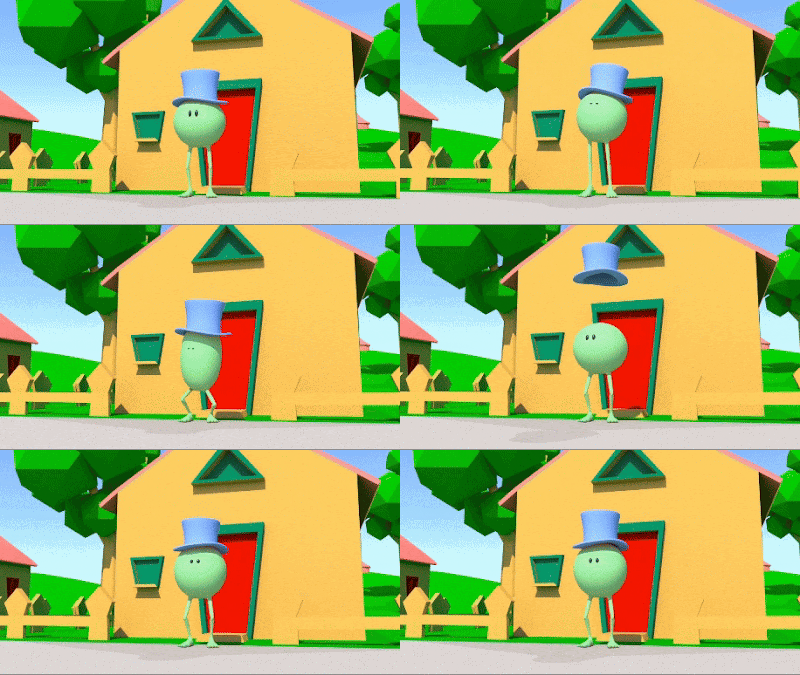
Animate a Sneeze with Monty
 |
| Animate a sneeze with Monty |
A sneeze is an explosion of air, so we want a big anticipation, and then a big sneeze.
If you have time, attach a hat to Monty's head, and animate it flying up in the air, spinning and landing again (you will need the Parentmaster plugin for this).
Monday, 23 September 2024
How To Reset Your Preferences in Maya
This short video shows how to Reset Your Preferences in Maya. Sometimes when Maya is behaving badly, you need to reset your preferences and start over. This short video shows how to do it. And you can read more about re-setting preferences in Maya here.
Friday, 6 September 2024
Depth of Field in Maya and the Arnold Renderer
Tuesday, 18 June 2024
Free Beginner Tutorials at Animation Apprentice
 |
| Animate a Cartoony Vehicle |
To get started with animation basics, why not Animate a Telephone Ringing in Maya, Animate a Flag Waving in Maya, or Animate a Submarine Underwater.
It takes a while to master the art and craft of animation, but these beginner tutorials are a great way to get started.
Friday, 7 June 2024
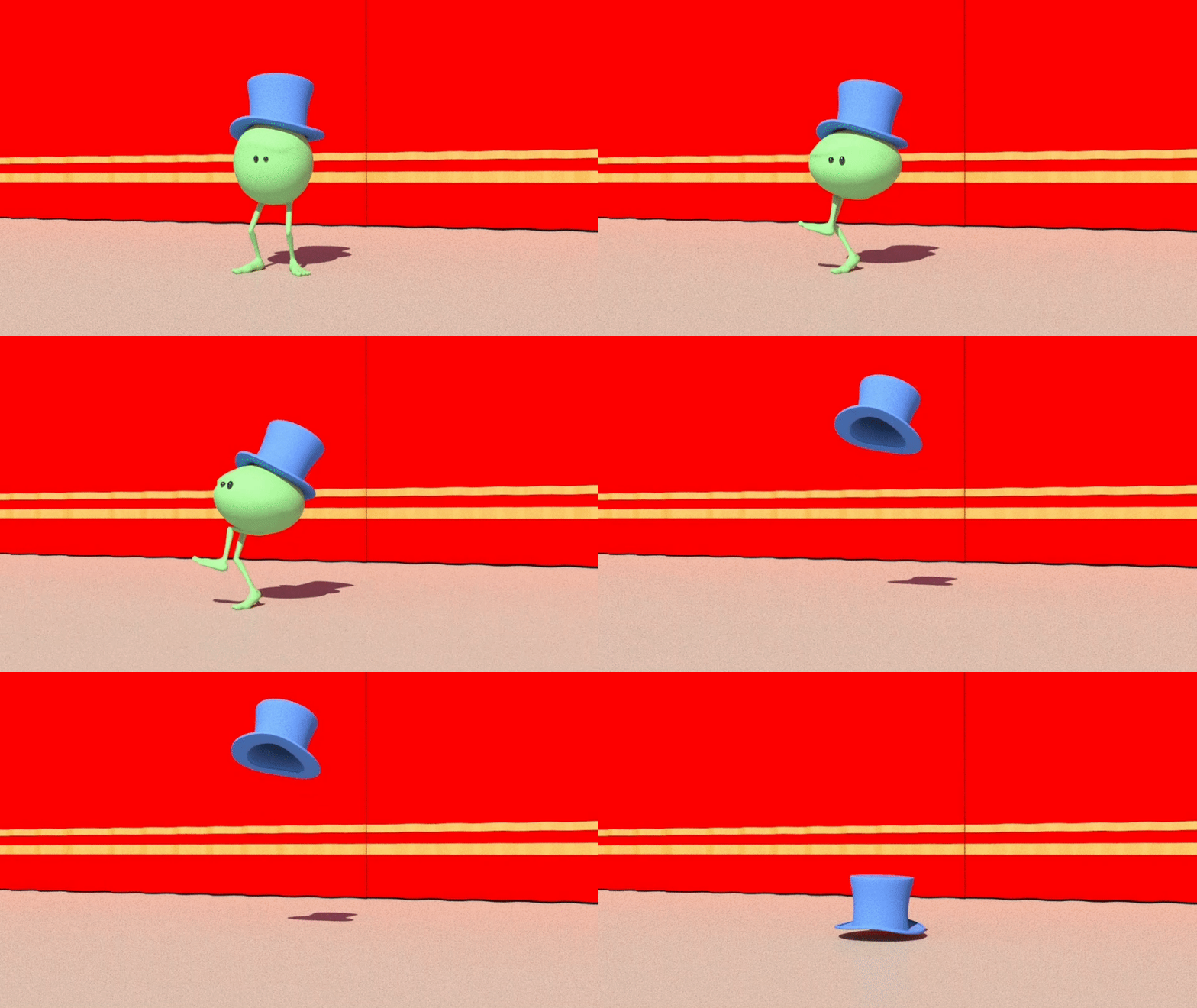
Animate Dialogue with Monty: "I'm Outta Here!"
 |
| Monty: "I'm Outta Here!" |
But how can you animate dialogue and lipsync - with no lips? The answer is - it's all in the performance. If the body language is working, then the audience will believe that the character is speaking - even if it has no mouth.
Thursday, 6 June 2024
Crab Scuttle Animation Tutorial
 |
| Animate a crab scuttle underwater |
A crab's sideways scuttle looks complex, but is in fact very easy to animate, by following this basic tutorial.
We start by animating a single animation curve, and then copy it across the crab rig.
Tuesday, 4 June 2024
Anticipation, Action & Reaction Tutorial

The reaction at the end is the camera shake, simulating the air pressure as the car whizzes past.
Saturday, 25 May 2024
Animate a Swimming Jelly with Caustics
 |
| Jelly animation by Maeva Israel |
The idea is to do some very simple animation of an underwater scene, then add a caustic effect to reproduce the effect of light penetrating water.
The Jelly/Squid rig can be downloaded for free here.
Thursday, 23 May 2024
Animate Willy "I'm Outta Here"
 |
| Willy: "I'm Outta Here!" |
In the first part of the tutorial we block out the animation with Willy. In the second part, we add a "Smear Drawing" to simulate motion blur.
In the third part we animate Willy's hat flying up in the air and landing.
Monday, 20 May 2024
Animate a "Take" with the Luxo Lamp
 |
| Animate a "Take" reaction shot with the Pixo Jr lamp |
The tutorial is a simple one, aimed at animation beginners, but it helps if you are already familiar with the Maya Interface. Follow the thumbnails below to replicate the tutorial.
Tuesday, 14 May 2024
Smear Frame Animation Tutorial in Maya
But how do you do a Smear Frame in 3D animation, using Maya character rigs? Watch our free tutorial to find out.
Wednesday, 8 May 2024
Fish Swim - Free Animation Tutorial
 |
| Animate a fish swimming in Maya |
Start with a single side-to-side rotation of the fish; then copy and paste the curves down the fish's body, offsetting each curves by a frame or two.
The result is the distinctive swish of a fish's tail. The underwater lighting with caustics can be done with a few clicks.
Wednesday, 1 May 2024
Animate a Submarine Underwater with Caustics
 |
| Animate a Submarine Underwater |
The idea is to do some simple animation of an underwater scene, then add a caustic effect to reproduce the effect of light penetrating water.
Friday, 26 April 2024
Animate a Camera Shake in Maya
 |
| Animate a Camera Shake in Maya with Monty |
To animate the camera shake is simple - it's just a few keyframes on the x rotation on the shot camera, simulating what might happen to a real camera operator if (as in this example) a school bus were to whizz past at high speed.
Wednesday, 17 April 2024
Animate a Vehicle Coming to a Sudden Stop

This is a fun, simple tutorial that is aimed at animation beginners in Autodesk Maya, part of our series of animation basics for students who have never used Maya before.
Monday, 15 April 2024
Animate a Traffic Cone Being Knocked Over
 |
| Animate a Traffic Cone Being Knocked Over |
You can however use any vehicle, and animate it by simply setting a keyframe at the start and the end of the motion. The timing of the traffic cone is very simple; with just a few rotation keyframes we can add texture to the scene.
Subscribe to:
Posts (Atom)