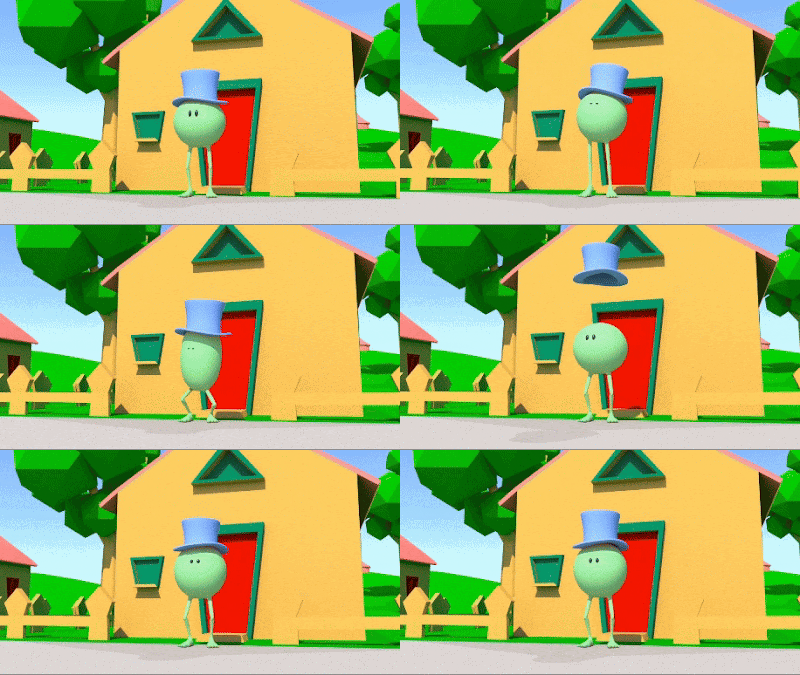
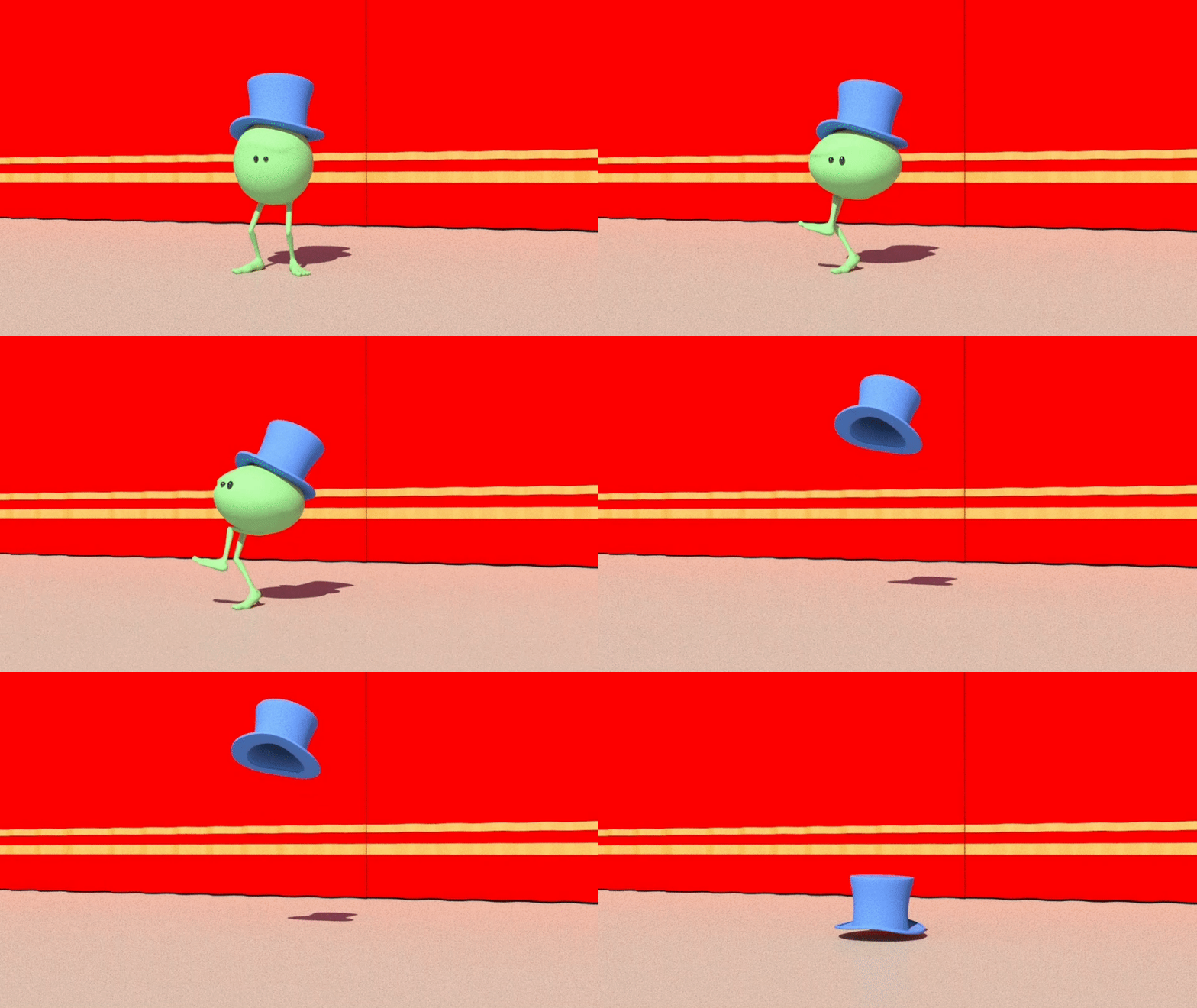
It's a simple tutorial aimed at animation beginners, and covers runs, jumps and smear frames. We'll also need to do some attaches and parenting (for Monty's hat) basic lighting in Arnold and learn how to add motion blur to the final render.
Showing posts with label Monty. Show all posts
Monday, 7 October 2024
Cartoony Mad Scramble Run and Exit with Monty
In this new animation tutorial we show how to animate a cartoony run and smear frame exit with Monty, the green pea.
Tuesday, 1 October 2024
Animate a Sneeze with Monty
| Animate a sneeze with Monty |
A sneeze is an explosion of air, so we want a big anticipation, and then a big sneeze.
If you have time, attach a hat to Monty's head, and animate it flying up in the air, spinning and landing again (you will need the Parentmaster plugin for this).
Friday, 7 June 2024
Animate Dialogue with Monty: "I'm Outta Here!"
![]() |
| Monty: "I'm Outta Here!" |
But how can you animate dialogue and lipsync - with no lips? The answer is - it's all in the performance. If the body language is working, then the audience will believe that the character is speaking - even if it has no mouth.
Wednesday, 21 February 2024
Animate a "Sneaky Walk" with Monty
![]() |
| Sneaky Monty |
To complete the tutorial, first start with a Basic Walk with "Monty" - which you can learn how to do here.
Then, as with our other character walks tutorials, adapt the basic walk to give it character and personality - in this case a "sneak".
Thursday, 15 February 2024
Animate a Walk Cycle "On the Spot" with Monty
![]() |
| Monty goes for a stroll |
There are four video tutorials of just under ten minutes, showing step by step how to animate a walk cycle, animating the walk "on the spot" on a treadmill, then adding a forward translation on the World Control to have Monty move through his environment.
The videos are recorded in Autodesk Maya, and are aimed at animation beginners.
Wednesday, 3 January 2024
Animate a Simple Head Turn with "Monty"
![]() |
| Animate a simple head turn with "Monty" |
The idea is to learn how to do a basic head turn without making it stiff and lifeless - dip the head slightly on the turn, and also close the eyes - everyone blinks when they turn their head.
Thursday, 23 November 2023
Animate a Feminine Walk with "Monty"
![]() |
| Exaggerated Feminine Walk with "Monty" |
The video tutorial is recorded in Autodesk Maya, and is aimed at animation beginners.
Tuesday, 25 July 2023
Animate a Jump with "Monty"
In this simple Locomotion and Mechanics Tutorial we show how to animate a jump with a simple character, using the "Monty" rig, free for download at HighEnd3D.com.
The idea is to get a basic jump working, that feels fluid and believable, with weight and balance. You can read more about the Monty rig and how to use it here. The tutorial is aimed at animation beginners in Autodesk Maya.
Tuesday, 13 June 2023
Animate Dialogue with "Monty" - "Smokin!"
![]() |
| Monty: "Smokin!" |
But how can you animate dialogue and lipsync - with no lips? The answer is - it's all in the acting and the performance.
If the body language is working, then the audience will believe that the character is speaking - even if the character itself has no mouth.
Sunday, 11 June 2023
Animate a Military Walk With "Monty"
![]() |
| Monty "goose-stepping" |
The video tutorial is recorded in Autodesk Maya, and is aimed at animation beginners.
Thursday, 8 June 2023
Animate "Monty" Singing "Oh Yeah"
![]() |
| "Monty" sings "Ohhh Yeahhh". |
But how can you animate dialogue and lipsync - with no lips? The answer is - it's all in the performance. If the body language is working, then the audience will believe that the character is speaking - even if the character itself has no mouth.
In this tutorial we animate "Monty" saying (well, singing) a line of dialogue - "Ohhh Yeahhh".
Wednesday, 7 June 2023
Animate a Run Cycle with "Monty"
![]() |
| "Monty" runs for the bus |
The tutorial uses the excellent "Monty" rig (which you can read about here), and which you can download for free from highend3d.com.
Every animator should know how to animate a basic walk and a run cycle - these are the "scales" of the animator's skillset.
Labels:
locomotion,
Monty,
Runs,
Tutorials,
Walks
Monday, 5 June 2023
Animate a "Manly Walk" with "Monty"
![]() |
| Cowboy walk with Monty |
The video tutorial is recorded in Autodesk Maya, and is aimed at animation beginners.
Sunday, 4 June 2023
Animate an "Angry Walk" With "Monty"
One thing every animator needs to learn is how to animate a character walk. In our latest tutorial, we show how to take a "plain vanilla" walk using the marvellous "Monty" rig (free for download from Creative Crash) and make Monty angry and grumpy - with just a few clicks.
The video tutorial is recorded in Autodesk Maya, and is aimed at animation beginners.
Saturday, 3 June 2023
Animate a Slow, Sad Walk with "Monty"
![]() |
| Animate a sad walk with "Monty" |
The video tutorial is recorded in Autodesk Maya, and is aimed at animation beginners.
Thursday, 1 June 2023
"Double Bounce Walk" With "Monty"
Every animator needs to learn how to animate a character walk.
In this simple tutorial, we show how to take a "plain vanilla" walk using the marvellous "Monty" rig (free for download from Creative Crash) and give it a sunny, upbeat "Double Bounce" with just a few clicks.
The video tutorial is recorded in Autodesk Maya, and is aimed at animation beginners.
Thursday, 25 May 2023
How to Animate a Basic Walk with "Monty"
![]() |
| Animate a walk cycle with "Monty" |
There are four video tutorials of just under ten minutes, showing step by step how to animate a walk cycle.
The videos are recorded in Autodesk Maya, and are aimed at animation beginners.
Sunday, 31 July 2022
Animate "Monty" Doing Riverdance
![]() |
| Animate "Monty" Riverdance |
The purpose of the tutorial is to learn how to import live action reference footage into Maya and use it to create believable animation. You can find the tutorial, which is free for all our students, at our Vimeo Channel.
Tuesday, 28 June 2022
How to Animate Lipsync - with No Lips
![]() |
| "Monty" dialogue by Rich Jeffrey |
The answer, of course, is that it's all in the acting and the performance. If the body language is working, then the audience will believe that the character is speaking - even if the character itself has no mouth.
Friday, 18 December 2020
How Monty's Eyebrows Work
How do you animate Monty's eyebrows? One of the many rigs that we recommend for student use in the early stages of learning animation is the Monty Rig, created back in 2007 by Raveen Rajadorai, and free for download at CreativeCrash.com. Monty's brow controllers are Nurbs surfaces. If you tick Nurbs Surfaces under the Show tab in your Viewport, the brow controls will pop up as five small spheres running across his forehead. You can individually select and rotate them to get various brow expressions. Watch the short video above to find out how Monty works. For more on how to use Monty, read this blog post.
Subscribe to:
Posts (Atom)